


Fix your day on the timeline
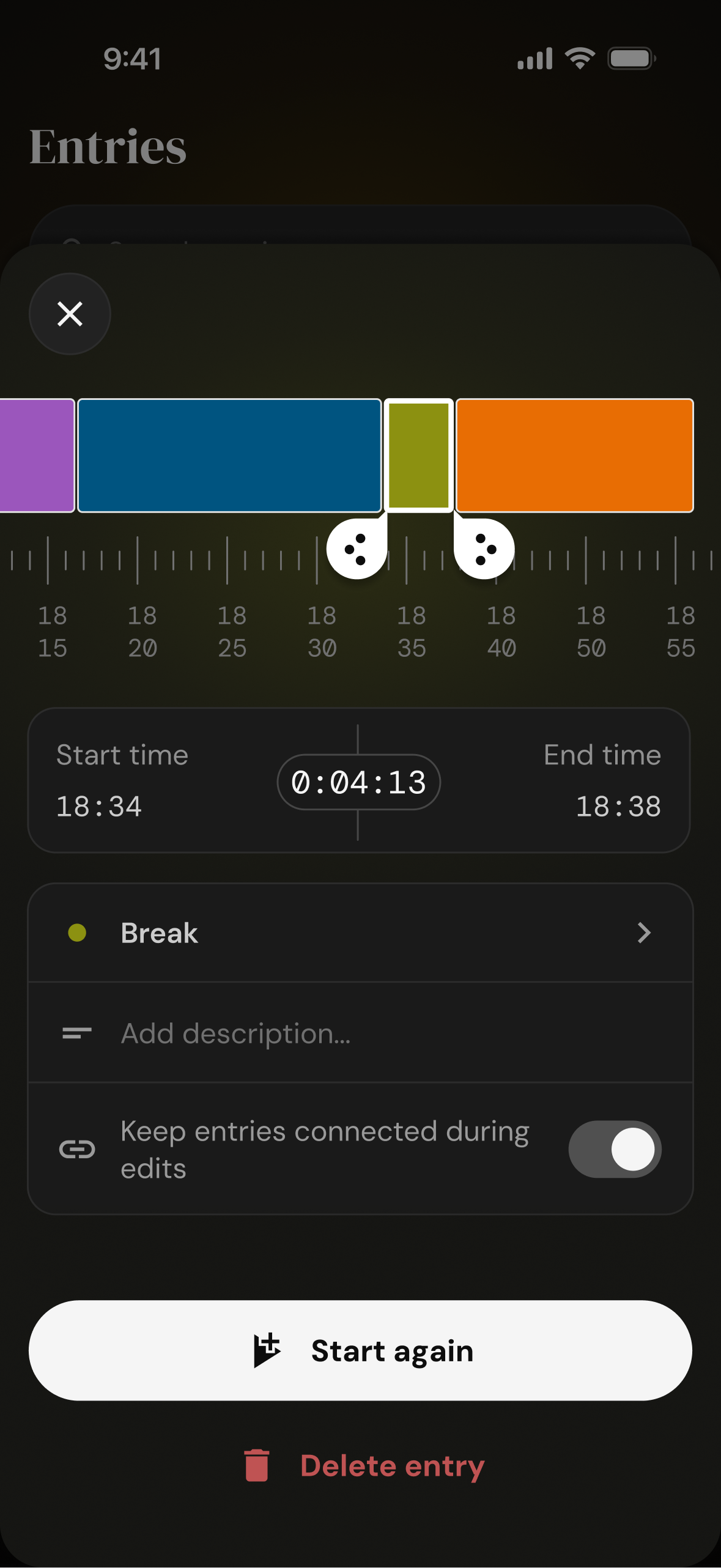
Forgot to switch? Drag the edges of an entry and your day is right again.
Nanominute is a time tracker for your whole life - sleep, hobbies, friends, the gym, and some work too. See where your days go, and decide where they should go next.
For your whole day
Leave the timesheets, billable hours and other corporate jargon at the office. Nanominute is for the rest of your day - the sleep, the cooking, the long calls with your friends. Track all of it, or only the bits you care about.
Insights
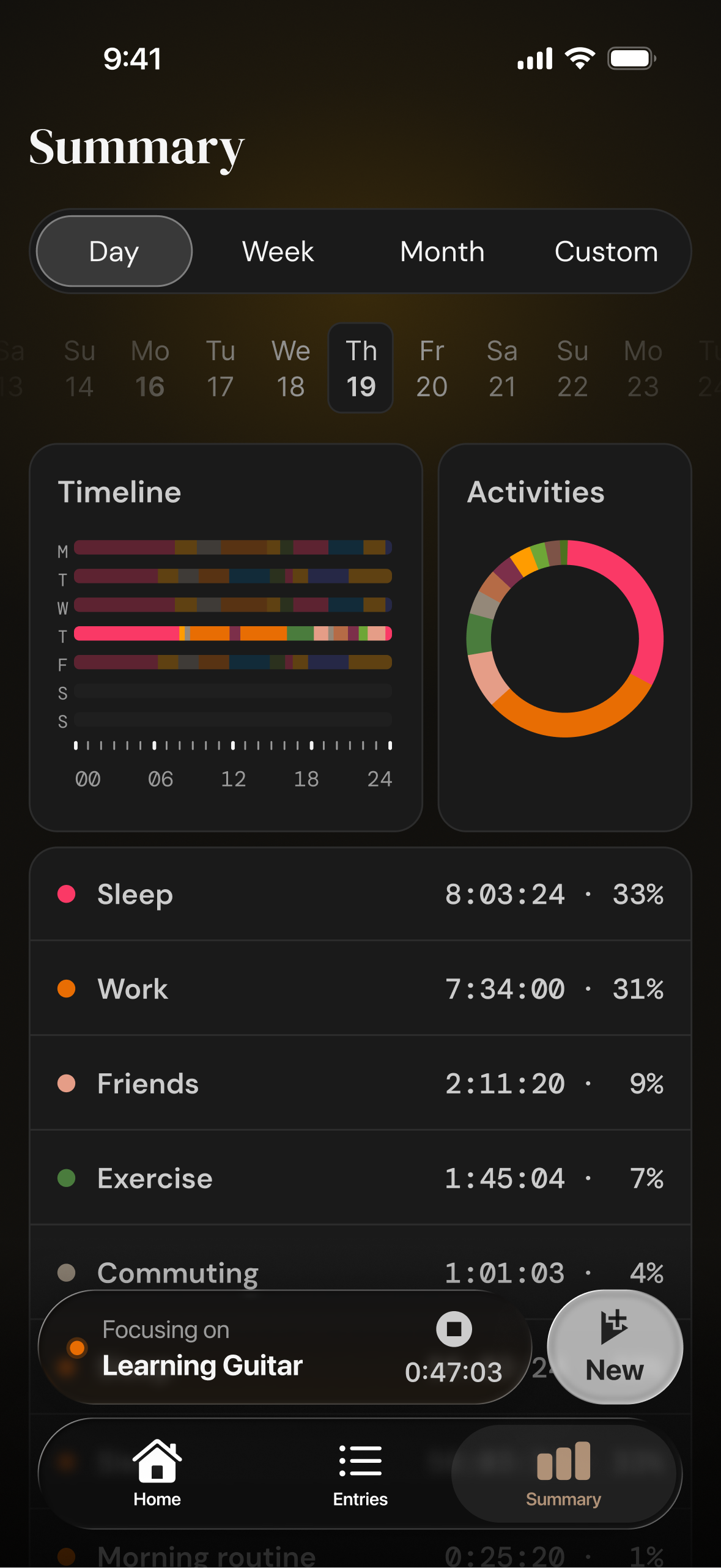
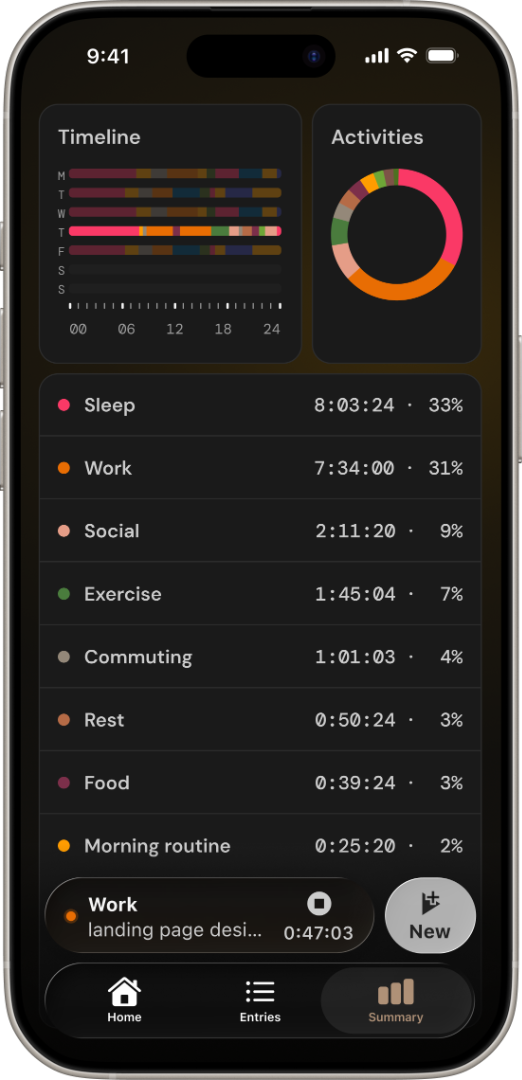
Your timeline and activity breakdown show the whole picture - by day, week or month. Set goals for the things that matter to you, and watch the streaks grow.
Widgets
Add Nanominute to your Lock Screen or Control Center. One tap drops you straight into the activity picker, the second one starts the timer. It takes less time than reading this sentence.


Sync
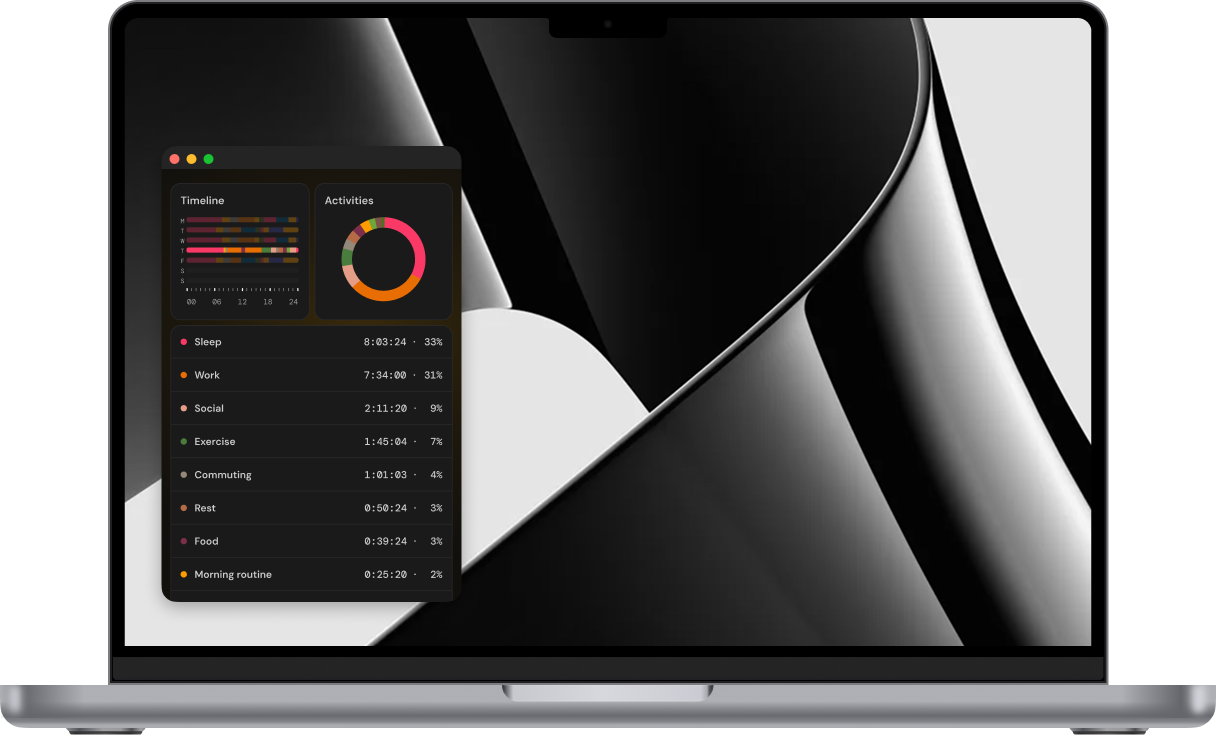
Start a timer on your phone, then pick up right where you left off on your Mac or PC - your timeline stays in sync.
Time tracking is a habit, and habits are not always easy - so we included the little details that make it easier.
Forgot to switch? Drag the edges of an entry and your day is right again.
The app suggests activities that fit your goals. Rename, recolor or delete anything you like.

Your whole day, or only the hobby you want more time for. Change your mind anytime.

A quick word from Nano, the mascot
Nanominute won't record your life on its own. There's no AI quietly watching what you do - that would be a bit dystopian anyway.
You show up, decide what you're doing next, start the timer and stick with it.
It takes a few days to get used to. But precisely because it isn't automatic, it makes you actually THINK about your next step, instead of drifting through the day.
You've already taken the first step by being here, and I'm glad you did. Ready to take control?
The app is new. The method isn't.
Time tracking has been around for quite some time now, and it works. We made it simpler, and a bit kinder.
Most people found that just being able to see the data was enough to change their habits.
Almost everyone found a gap between how they thought they spent their time and what really happened.
People who tracked leisure alongside work stopped feeling guilty about downtime - and started enjoying it.
Proudly indie
I'm an independent developer, and I built Nanominute because I wanted something like it for myself - and none of the options out there felt right.
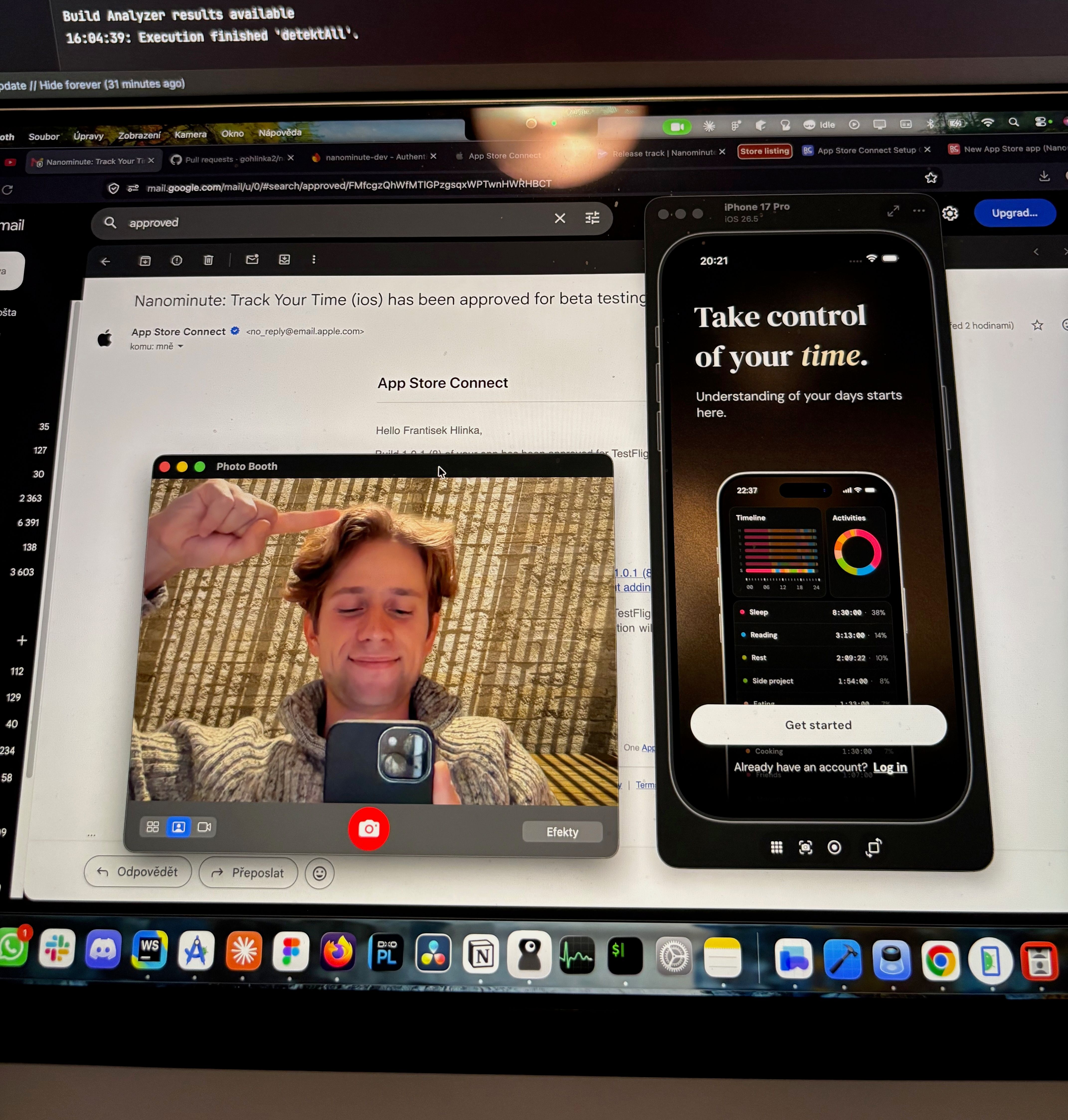
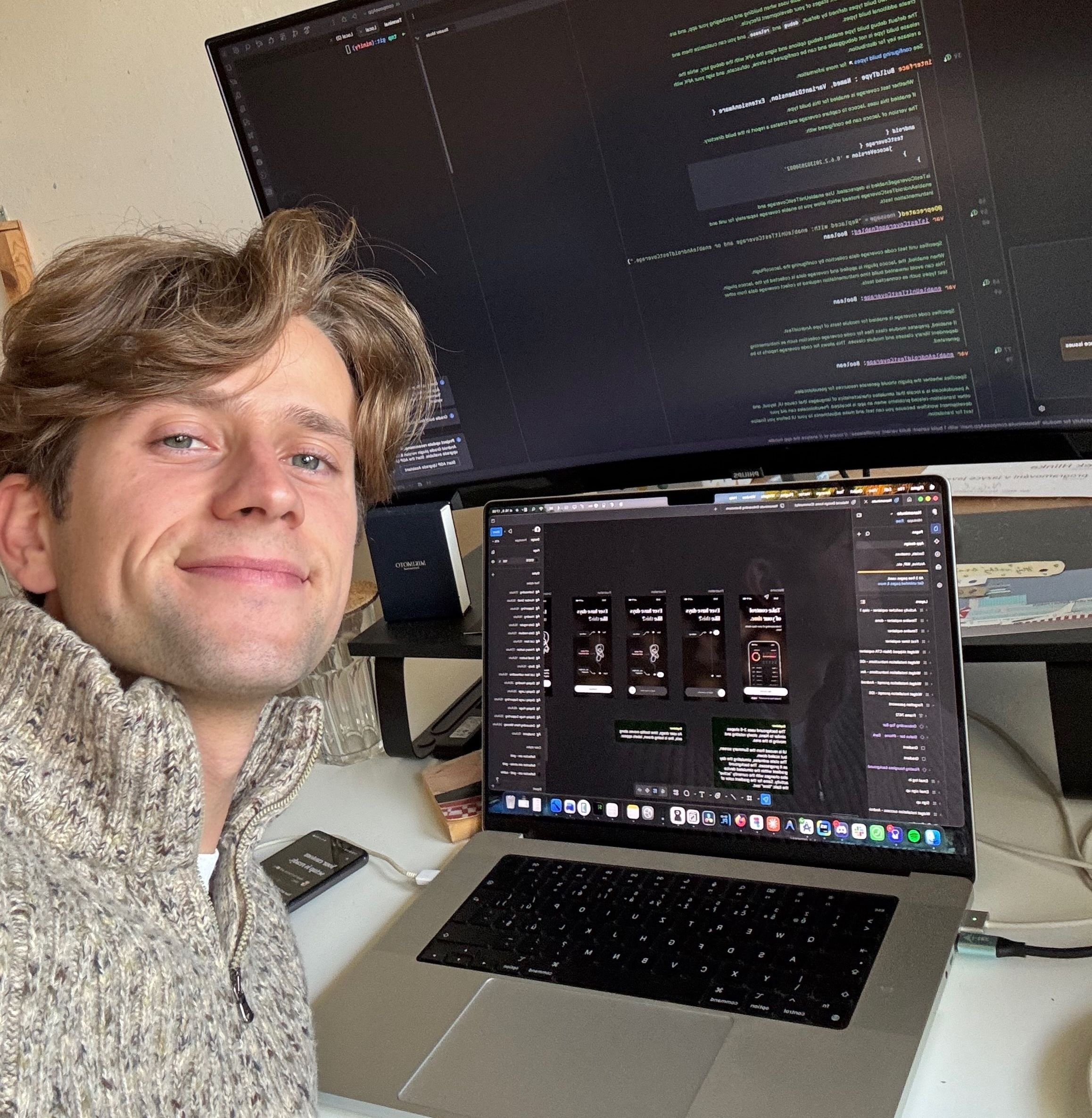
This isn't an app one-shotted with AI over a weekend. I've put hundreds of hours into it, and since the very first usable version, I've tracked every one of them - along with the rest of my life - in Nanominute itself. So if something breaks, I'll be the first to know, and the first to fix it.
My inbox is always open. Hit me up with anything on your mind :)
francis@nanominuteapp.comNow
The app helps you pick your activities and goals. It takes a few minutes.
Today
It might feel odd at first. You'll get the hang of it soon.
Within 24 hrs
Your first day shows up in the graph.
One week
A full week of data. See where your time goes and make room for what you want.
One month
Reflect on your first month of being in control.
Nanominute is out now on iOS, Android and desktop. Your first tracked minute is a tap away.